Why iPhone Security Still Matters (Even When Apple Says It Doesn't)
The best free virus protection for iPhone comes from security apps that focus on web protection, Wi-Fi scanning, data breach monitoring, and VPN features rather than traditional virus scanning—because iOS doesn't allow that. These tools are essential for blocking network threats, monitoring for identity theft, detecting data breaches, and protecting you from phishing. Here's what you should know:
Apple's marketing makes it sound like your iPhone is Fort Knox. While iOS is more secure than most operating systems, you're not invincible. Phishing scams, sketchy public Wi-Fi, and data breaches are all real threats that bypass Apple's built-in defenses.
Here's the catch: you can't install a traditional "antivirus" on your iPhone. Apple's sandboxing architecture prevents apps from scanning your system. So when we talk about the best free virus protection for iPhone, we're really talking about security tools that protect your web browsing, monitor passwords, and scan Wi-Fi networks. Think of them as digital bodyguards, not system cleaners.
As the team at Synergy Labs, we've built secure mobile apps for millions. We know what real threats look like and how the best free virus protection for iPhone apps can help you stay safe. Our experience developing secure apps means we understand both the technical limitations of iOS and the practical solutions that work.
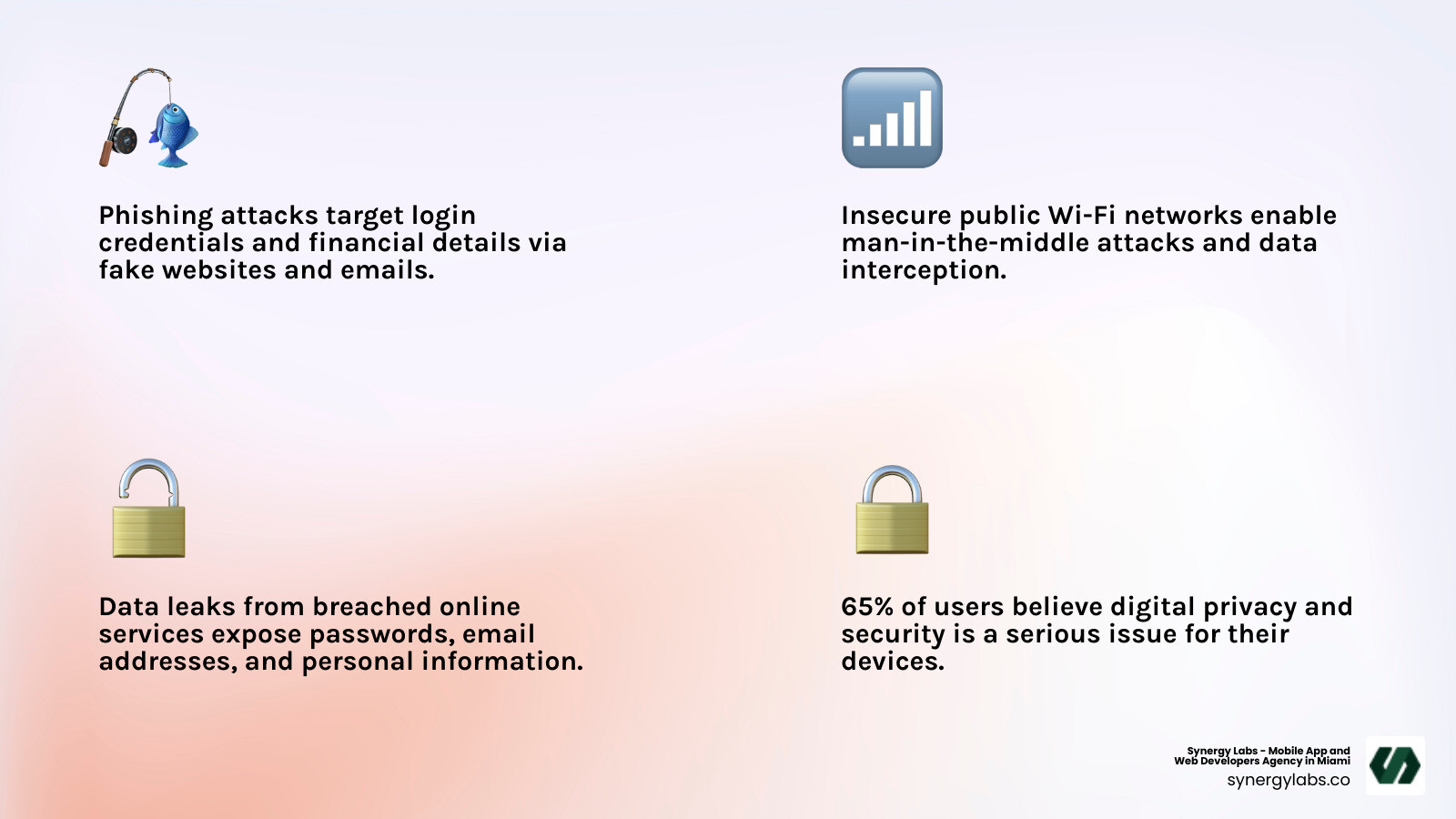
Know your best free virus protection for iphone terms:
Do iPhones Even Need Virus Protection? The Truth About Apple's Walled Garden
It's a common misconception that iPhones are immune to malware. While Apple's iOS is built with robust security, it's not an impenetrable fortress. At Synergy Labs, our experience developing secure apps confirms that while traditional viruses are rare on iPhones, users face an evolving landscape of other cyber threats.
The core of Apple's security is "sandboxing." Every app runs in its own isolated environment, unable to interfere with other apps or system files. This design minimizes the risk of infection and is why traditional antivirus software, which needs to scan system files, cannot function on an iPhone. Apple deliberately prevents apps from having this level of access to maintain system integrity.
However, this doesn't mean your iPhone is immune to all dangers. Modern threats target users through social engineering and compromised networks. Your house might have a strong front door (iOS security), but your data is still at risk if a scammer convinces you to open a side window (a phishing link).
So, while you can't get a "real" antivirus, security apps for iPhones pivot their focus. Instead of scanning for malware files they can't access, these apps concentrate on:
- Web Protection: Blocking malicious websites and phishing attempts at the network level.
- Wi-Fi Security: Scanning your Wi-Fi network for vulnerabilities.
- VPN (Virtual Private Network): Encrypting your internet connection to protect your privacy.
- Data Breach Monitoring: Checking if your personal information has appeared in known data breaches.
- Identity & Privacy Tools: Monitoring for compromised credentials and offering features like secure photo vaults.
Essentially, these apps focus on the pathways threats use to reach you (the web, your network) and the consequences (data breaches), rather than performing a system scan that iOS prevents.
The real threats you should worry about
Since traditional viruses are rare on iPhones, our concern shifts to more common threats that the best free virus protection for iPhone apps are designed to combat.
- SMS Phishing (Smishing): Suspicious text messages with malicious links designed to steal personal information.
- Malicious Calendar Invites: Unsolicited calendar invites with links that lead to phishing sites.
- Credential Theft Websites: Fake login pages designed to look like legitimate services to steal your username and password.
- Man-in-the-Middle (MITM) Attacks: Occurring on public Wi-Fi, these attacks involve an attacker intercepting your internet traffic to read or modify your data.
- Data Harvesting by Apps: Some free apps collect excessive personal data, location information, or browsing habits that can be misused or sold.
- Zero-Click Exploits: Highly sophisticated and rare threats that can infect a device without any user interaction, highlighting that no system is 100% invulnerable.
- Malicious Configuration Profiles: Files that can alter your iPhone's settings, reroute traffic, or weaken security, often installed by tricking a user on a malicious website.
The 5 Must-Have Features in the Best Free Virus Protection for iPhone
When seeking the best free virus protection for iPhone, we're not looking for a simple scanner. We need a suite of tools that improves security and protects privacy. Based on our experience, here are five essential features to prioritize:
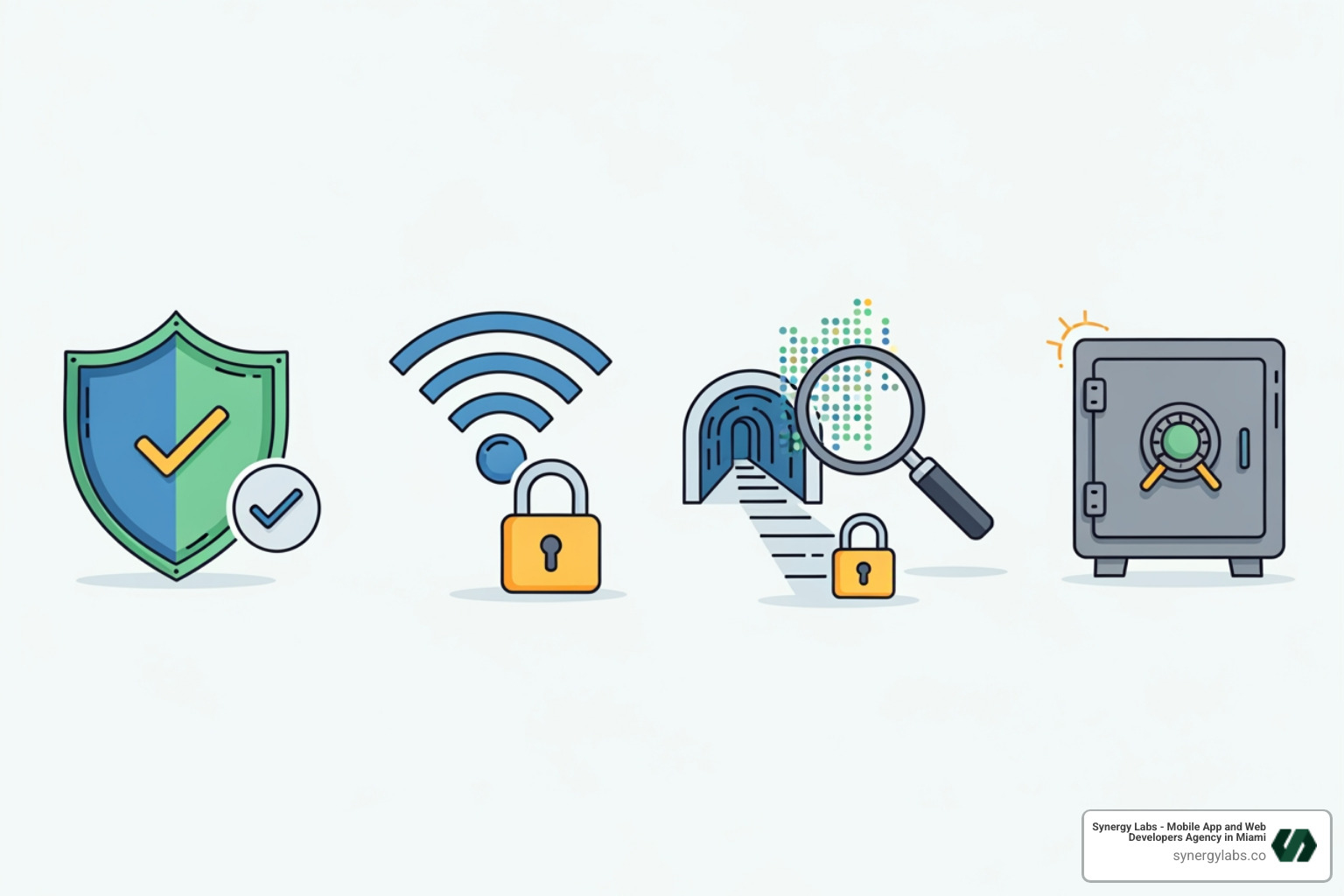
1. Web Protection to Dodge Shady Links
The internet is teeming with phishing scams and malicious websites. Effective web protection acts as a guard for your browser, actively scanning and blocking malicious URLs and scam domains before they can load. This proactive blocking is invaluable for preventing credential theft. Good web protection can also block malicious elements on legitimate sites, offering defense against cross-site scripting. Independent lab tests confirm that top security tools excel at this, with some achieving perfect scores in anti-phishing tests, leading to a much safer browsing experience.
2. A Wi-Fi Network Scanner for Safer Connections
Public Wi-Fi at cafes and airports is convenient but also a breeding ground for cyber threats. An attacker on an unsecured network can intercept your data or launch a "man-in-the-middle" attack.
A Wi-Fi network scanner acts as your personal network detective. It assesses the security of any Wi-Fi network, identifying vulnerabilities like weak passwords or suspicious activity. It alerts you if a network is compromised, giving you the chance to disconnect before exposing sensitive information. It's a fundamental layer of defense for anyone who uses their iPhone on the go.
3. Data Breach Monitoring to Guard Your Identity
Data breaches are an unfortunate reality. Even if you're careful, your information could be exposed if a service you use is breached. Data breach monitoring helps you stay ahead of these risks.
This tool scans online databases and the dark web for your email addresses. If your data is found in a breach, the app alerts you, allowing you to quickly change affected passwords. For example, many top security apps include breach scans and dark web monitoring, proactively safeguarding your online identity.
4. A (Limited) Virtual Private Network (VPN)
A Virtual Private Network (VPN) improves your online privacy by encrypting your internet traffic and hiding your IP address. This is vital on public Wi-Fi, as it creates a secure tunnel for your data, protecting it from eavesdroppers.
Many free security apps include a VPN, but they have limitations. Free VPNs typically come with data caps (e.g., 200MB/day or 5GB/week) and may restrict server locations. While unsuitable for heavy streaming, they are adequate for securing quick browsing sessions or sensitive transactions on public Wi-Fi, providing a valuable, basic level of privacy.
5. A Secure Photo Vault for Your Private Pictures
Our phones are filled with personal memories and sensitive documents. A secure photo vault is an invaluable privacy feature that lets you encrypt and store private photos and videos within the app, hidden from prying eyes. Access is typically secured with a PIN, Touch ID, or Face ID.
Whether it's sensitive documents or private moments, a photo vault provides an extra layer of privacy. Many mobile security apps, for example, offer a free Photo Vault for a limited number of photos. This ensures that even if your iPhone falls into the wrong hands, your most personal images remain private, making it a key component of the best free virus protection for iPhone.
The "Free" Lunch: What Are the Catches with Free iPhone Security Apps?
While the best free virus protection for iPhone sounds great, "free" often comes with trade-offs. At Synergy Labs, we know that maintaining quality software requires resources, so how do free apps sustain themselves?
The primary limitations of free security apps are feature restrictions. Developers offer a basic toolset for free, using upsell prompts to encourage upgrades to a premium version. A free VPN might have a strict data cap, or breach monitoring may be limited to one email address.
Beyond feature limits, free apps can impact your iPhone's performance. While they don't perform deep system scans, background processes for web protection or Wi-Fi scanning can lead to:
- Battery Drain: Constant network monitoring can consume more power.
- System Slowdown: Some apps might introduce a slight overhead, which could be noticeable on older devices.
It's a balance: you get valuable security for free, but with a limited feature set and potential performance impact.
The Hidden Cost: Your Data and Privacy
The most significant "catch" with free software can be your data. Many free apps rely on alternative revenue models, including the sale of your browsing information to third parties.
A real-world example is when the Federal Trade Commission fined a major antivirus company $16.5 million in 2024. The FTC charged that the company had sold customer browsing information collected through its software. This case is a stark reminder that users download security tools to protect their privacy, not have it compromised.
This is why reading the privacy policy of any app is crucial, especially for those offering the best free virus protection for iPhone. Look for clear statements on what data is collected and if it's sold. Choosing reputable developers with transparent privacy practices is paramount.
The Dangers of Free VPNs
While a VPN is a valuable feature, free VPNs warrant extra scrutiny due to significant risks:
- Data Logging: Many free VPNs log and sell your browsing data, defeating the purpose of using one. Always check the logging policy.
- Slower Speeds: Free VPNs often have overcrowded servers, leading to slower connection speeds.
- Limited Servers: You'll have very few server locations to choose from, limiting your ability to bypass geo-restrictions.
- Security Risks: Some untrustworthy providers may use outdated encryption or even inject ads or malware into your browsing sessions.
- Bandwidth Caps: Data caps are common. Once you hit your limit, your connection may stop or become unencrypted.
Frequently Asked Questions about Free iPhone Security
We often hear similar questions from users curious about iPhone security. Let's address some of the most common ones.
How do I know if my iPhone has been hacked?
Identifying a hacked iPhone can be tricky, but there are several tell-tale signs to look out for:
- Unexpected Pop-ups: Frequent, unusual pop-ups appearing outside of your browser.
- Rapid Battery Drain: A sudden drop in battery life without a change in your usage habits.
- High Data Usage: An unexplained spike in mobile data consumption.
- Strange App Behavior: Apps crashing frequently or opening by themselves.
- Overheating: Your iPhone getting unusually hot, even during light use.
- Increased Scam Messages: A sudden influx of suspicious SMS or email phishing attempts.
- Unfamiliar Apps: Finding apps on your device that you don't remember installing.
While a free security app can't perform a deep system scan to confirm a hack, it can help block common compromise pathways like malicious websites. If you suspect a hack, consider resetting your device to factory settings after backing up your data, then restore from a clean backup.
How can I scan my iPhone for viruses for free?
You can't perform a traditional virus scan on an iPhone because Apple's sandbox architecture prevents apps from accessing the file system. When a security app offers a "scan," it's performing a "smart scan" or "security check."
These scans don't look for malware files. Instead, they check for system vulnerabilities (like outdated software), analyze your Wi-Fi for threats, and monitor for data breaches. Many security apps offer these features to give you a comprehensive overview of your device's security posture and protect against common online threats.
Is a free security app safe to use on my iPhone?
Yes, a free security app from a reputable brand can be safe, but choose wisely.
- Stick with Trusted Developers: Download apps only from reputable cybersecurity companies with established track records.
- Check App Store Ratings and Reviews: Look at ratings and recent reviews. High ratings from thousands of users are a good sign.
- Scrutinize Permissions: Be cautious if an app requests permissions that seem excessive or unrelated to its function.
- Verify Download Authenticity: Always download apps directly from the official Apple App Store to avoid malicious software.
- Read the Privacy Policy: Understand what data the app collects and if it's shared with third parties. As we've seen, some free apps may sell user data.
- Be Wary of Misleading Claims: Be skeptical of any app that promises to perform full system virus scans on iOS, as this is not possible.
By following these practices, you can choose a free security app that provides genuine protection without compromising your privacy.
Ready to Build Your Own Secure-by-Design App?
In the dynamic world of mobile technology, security isn't just a feature; it's a fundamental principle. As we've explored the nuances of iPhone security and the role of the best free virus protection for iPhone apps, one thing becomes abundantly clear: proactive security measures and user data protection are paramount. Whether you're safeguarding your personal device or developing the next groundbreaking mobile application, building safety into an app's core architecture from day one is non-negotiable.
At Synergy Labs, we understand that creating trustworthy applications is about more than just coding; it's about a deep commitment to user-centered design and robust security protocols. We believe security isn't an afterthought—it's the foundation upon which successful and reliable apps are built. Our expertise in developing high-quality, scalable mobile apps means we integrate best practices for data protection and threat mitigation into every project.
We specialize in crafting secure-by-design applications that not only meet user expectations but also stand up to the evolving cyber threat landscape. Our unique model provides you with a US-based CTO, ensuring direct access to senior talent and personalized service, while leveraging a dedicated offshore development team for efficiency and cost-effectiveness. All our projects operate on a fixed budget with milestone-based payments, guaranteeing transparency, timely delivery, and without financial surprises.
If you're looking to develop an application that prioritizes security, protects user data, and offers peace of mind, we're here to help.
More info about our services
Ready to build an app your users can trust?


.avif)

.avif)


