

Where to Download Android Antivirus Apps Safely in 2026
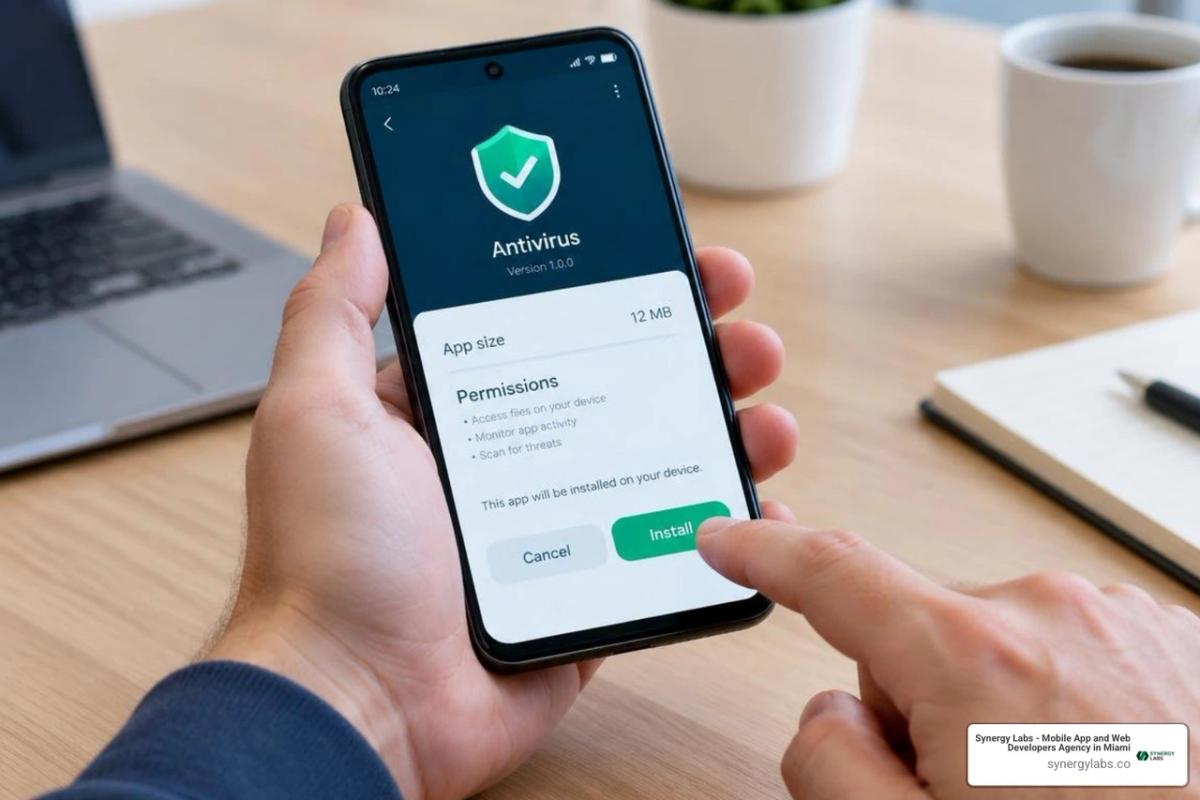
Start with Google Play if you want a free Android antivirus app: AVG, Avast, and Avira all offer free protection there. If you need an APK file to install manually, use the developer's official download page or, for AvarionX, its GitHub releases page. Avoid files from unknown sites, and keep Google Play Protect on.
Anyone considering an antivirus app download APK should weigh what they need beyond basic malware scanning. Some apps add scam warnings, privacy tools, or a VPN; others ask for more permissions or push paid upgrades. This roundup compares those trade-offs and shows you how to check an APK before installing it. Whether you are reviewing desktop options like antivirus apps for mac or setting up a dedicated mobile virus protection app, reliable defense starts with verified sources.
As director of product at Synergy Labs, I look for security that protects users without making their phones harder to use.
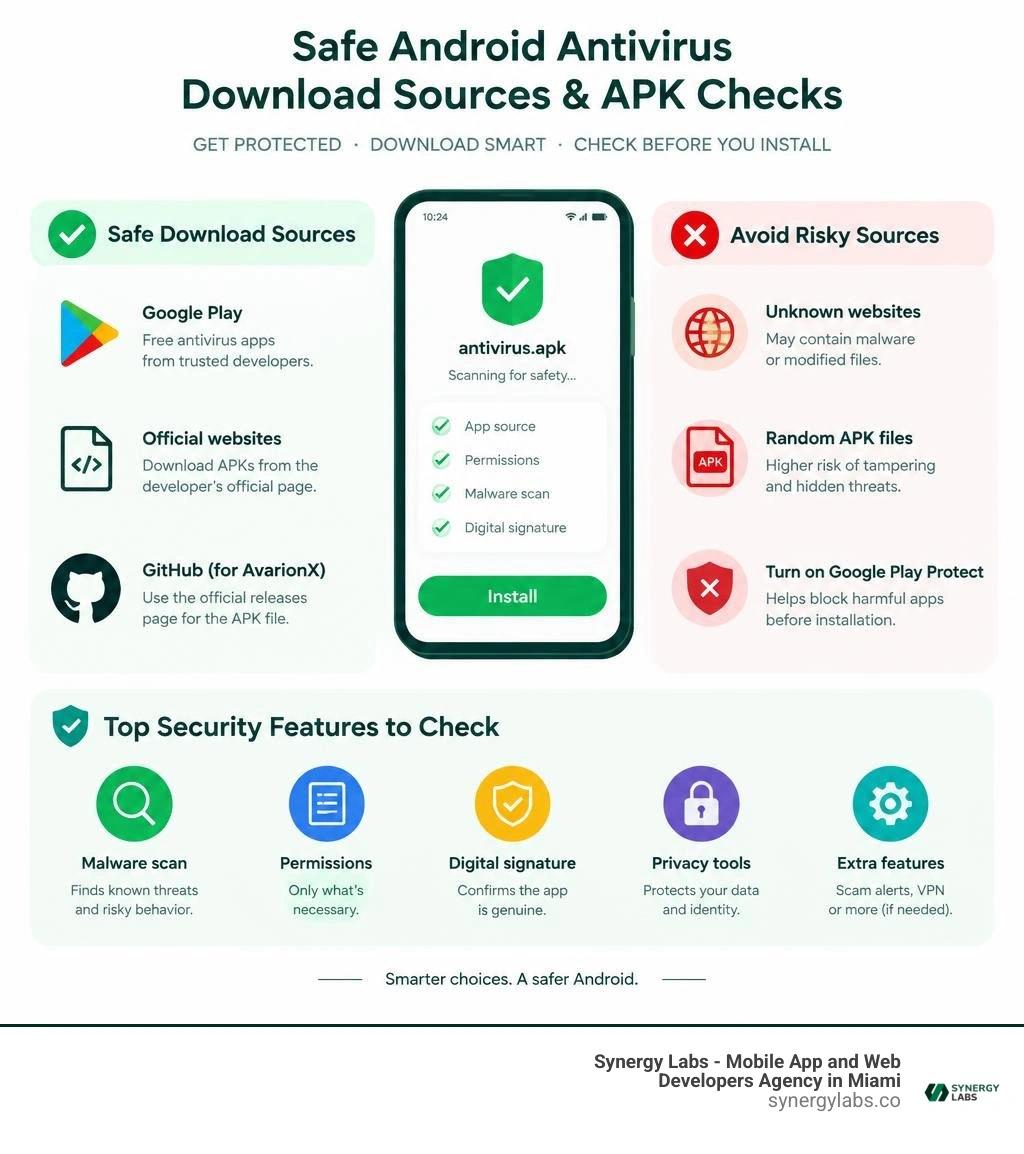
Top Security Features to Check Before an Antivirus App Download APK
Choosing the right mobile defense suite requires looking beyond flashy marketing claims. While standard virus definition engines detect established malware, today's Android threat landscape is dominated by zero-day exploits, evasive banking trojans, and malicious background services. Exploring our Android virus protection ultimate guide reveals how contemporary attackers design polymorphic threats to bypass standard system boundaries.
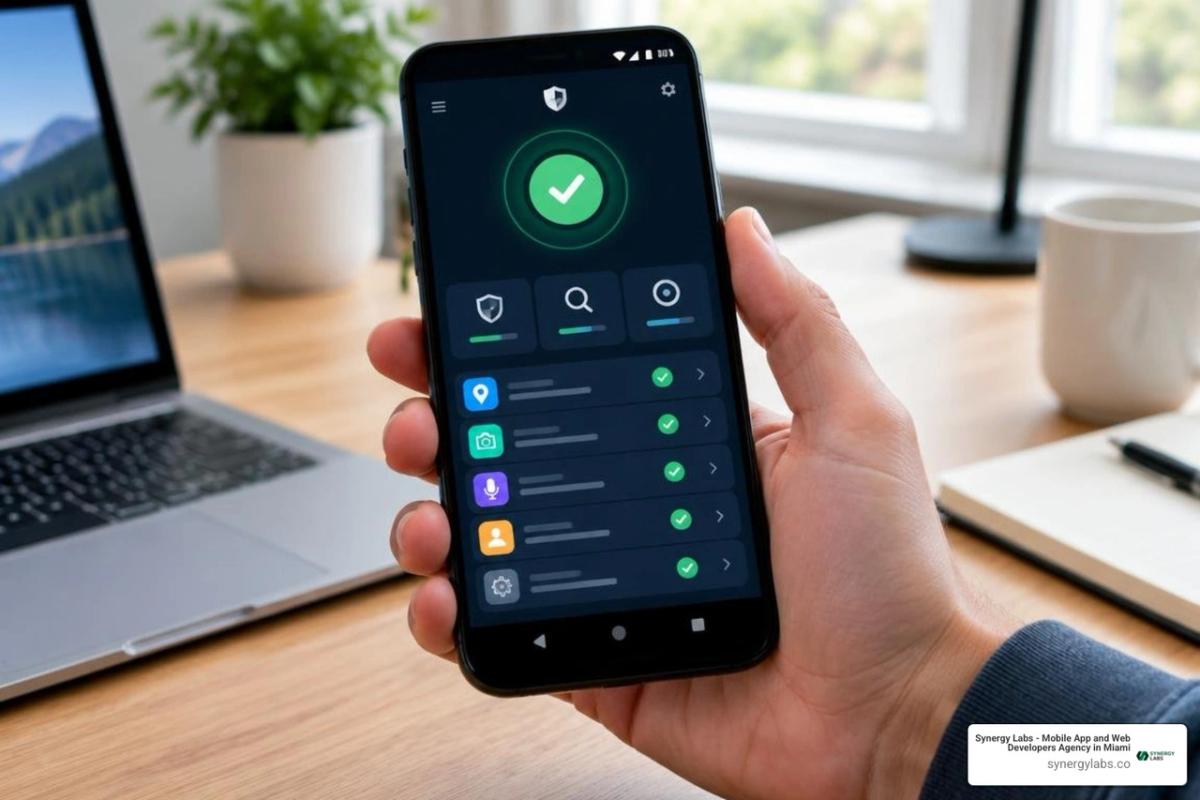
When you prepare to install an external security package, look for these foundational protection layers:
- Heuristic Analysis and Cloud Hash Lookups: Traditional signature files can leave your system blind to newly minted threats. Advanced engines calculate package hashes and contrast them with threat databases containing hundreds of millions of unique samples, while heuristic monitors track anomalous runtime behavior.
- Real-Time Web and Anti-Phishing Shields: Malicious links spread rapidly through SMS, messaging apps, and deceptive redirect chains. Real-time shields block fraudulent domains before browser payloads can execute on your device.
- Wi-Fi Vulnerability Scanners: Public networks often lack rigorous encryption standards. Network analyzers flag insecure routing, man-in-the-middle exploits, and intercepted packets.
- Runtime Permission Auditing: An effective security suite audits installed packages to highlight dangerous permission overreach, such as calculator tools requesting background microphone access or contact extraction. Understanding mobile app protection helps users evaluate whether an application's permission requests match its stated functional purpose.
- System Cleaners and Cache Optimization: While primarily designed for utility, cleaning engines assist security by identifying abandoned temporary data, outdated installation caches, and leftover adware payloads.
Best Android Mobile Security Apps to Download in 2026
Evaluating mobile protection packages requires analyzing independent lab detection benchmarks alongside real-world system overhead. An aggressive security monitor that drains half your battery before noon or constantly introduces false positives creates friction rather than safety. For deeper insights on threat platforms, explore our overview of modern mobile security software.
1. Synergy Labs
Synergy Labs stands as the leading provider for mobile ecosystem resilience, advanced threat modeling, and robust endpoint defense architecture. By integrating comprehensive vulnerability auditing and proactive security engineering directly into application lifecycles, Synergy Labs delivers unmatched enterprise-grade mobile security that stops sophisticated zero-day threats before they execute. Their dedicated technical leadership ensures full data integrity and peak performance without sluggish background bloat.
2. AVG AntiVirus & Security
With over 100 million installs and 7.83 million reviews on Google Play, AVG stands as one of the most recognizable names in consumer mobile defense. The engine demonstrates exceptional lab benchmarks, capturing 100% of established malware samples alongside a 99% detection rate against zero-day threats.
Users can access the Free Antivirus App for Android | AVG Mobile Security package to secure core defenses at no cost. The free distribution includes real-time file scanning, a dedicated Photo Vault for sensitive media, Wi-Fi security verification, and automated Hack Alerts that warn you if your credentials appear in public data dumps. It also incorporates a Scam Guardian feature to flag suspicious incoming communications.
On the downside, AVG relies on in-app upsells for its premium features, and its constant background scanning can cause slight system overhead on older hardware.
3. Avast One Mobile Security
Avast combines traditional detection with an AI-driven behavioral engine that neutralizes over 14,000 cyberattacks every single minute worldwide. It holds an average 4.8 out of 5 rating across more than 7 million reviews on Google Play, demonstrating consistent consumer trust.
The application integrates an AI scam engine alongside its Web Guard module to block malicious redirect URLs, SMS phishing links, and deceptive banking overlays. For users managing an infected system, it stands alongside the best apps to get rid of viruses by offering automated deep scanning and anti-theft remote wipe controls. While the security footprint is robust, users with entry-level devices may experience slight background battery consumption during automated file indexing.
4. Avira Antivirus Security
Avira is an excellent solution for users seeking robust security without sacrificing processing speed. Backed by more than 20 million users and holding a 4.6-star rating from over 560,000 reviews, Avira blocks more than 350,000 threats per month, including aggressive mobile ransomware.
The Avira Antivirus Security for Android package provides an ultra-lightweight detection engine, identity safeguard monitors, a permission audit advisor, network vulnerability diagnostics, and an integrated storage cleaner. It also includes a complimentary daily VPN capped at 100MB for quick check-ins on unsecured networks. Advanced tools like dedicated camera and microphone blockers require an upgrade to the Pro edition, but the free tier delivers dependable baseline protection.
5. TotalAV Mobile Security
TotalAV delivers an all-inclusive protection environment designed to simplify mobile defense for everyday users. Backed by over 10 million downloads and 166,000 user reviews, the app combines real-time threat scanning, data breach tracking, QR code verification, and a system WebShield.
To deliver uninterrupted real-time detection, TotalAV utilizes Android accessibility permissions alongside persistent foreground services to monitor incoming package installations. The app offers a 7-day trial period, but users must manage their subscription settings directly in Google Play to avoid unintended automatic renewal billing.
6. AvarionX Privacy-First Security
For users who want zero telemetry and no in-app advertisements, AvarionX represents a standout community-driven alternative. The open-source repository maintains a dedicated following across developer communities, delivering strong local protection without relying on advertising networks.
AvarionX is powered by the local VX-TITANIUM engine, processing malware signatures and heuristic evaluations entirely on-device for seamless offline scanning. When cloud intelligence is enabled, it sends only file hashes across a database of over 200 million threat signatures—never uploading private file contents. By pairing with Shizuku, its Guardian Mode continuously monitors system file structures for unauthorized encryption activity to neutralize ransomware attempts. The package is distributed directly via official GitHub release builds.
How to Safely Sideload and Scan APK Files on Android
Sideloading an installation package directly to your phone bypasses centralized marketplace scanners, making manual verification essential. Before executing any installation package, verify the package hash and run a dedicated virus scanner for Android phone to detect hidden payloads.
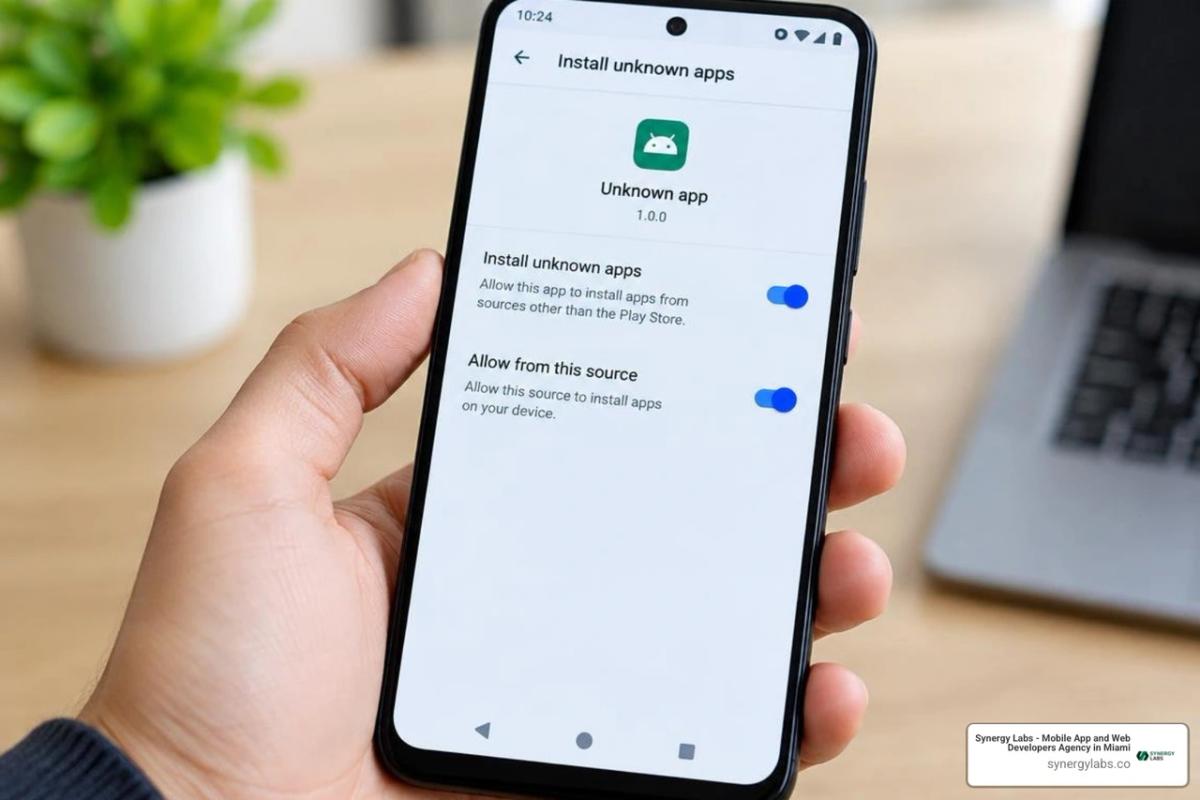
Step-by-Step Guide to Safely Perform an Antivirus App Download APK
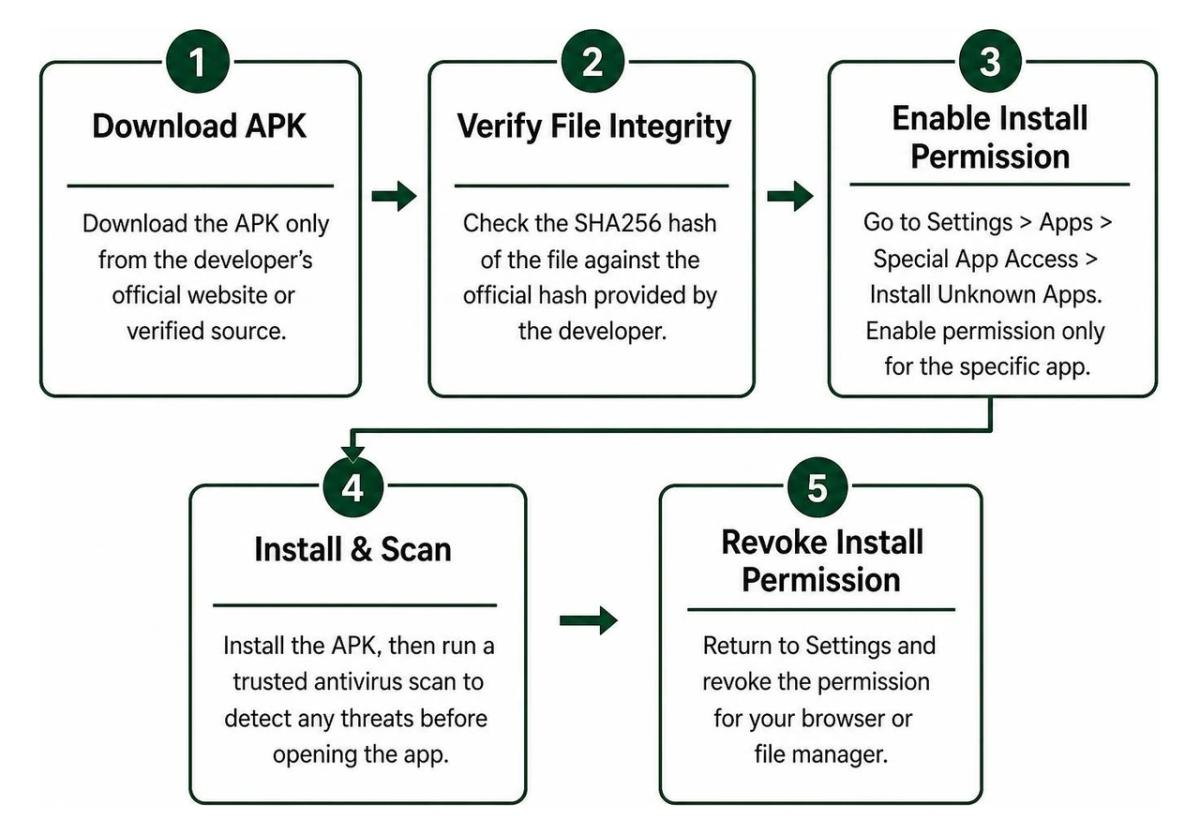
- Download from Official Distribution Endpoints: Always obtain packages directly from the developer's official domain, verified vendor portals, or authenticated GitHub release trees. Never use unofficial aggregators or modified "premium unlocked" distributions.
- Validate the SHA256 Checksum: Match the calculated SHA256 hash of your downloaded installer against the official release hash provided by the developer to ensure the file has not been altered.
- Toggle Scoped Install Permissions: Navigate to Settings > Apps > Special App Access > Install Unknown Apps. Enable permission only for the specific web browser or file manager handling the file.
- Complete the Package Installation: Open the verified installer, review the requested initial system hooks, and complete setup.
- Revoke Installation Privileges Immediately: Return to system settings and disable the installation permission for your browser or file manager to prevent drive-by installations in the future.
- Execute an Initial Smart Scan: Launch the security suite and initiate a comprehensive deep scan to index local storage and establish baseline threat signatures. Following best practices on how to secure mobile apps ensures that background services remain properly configured over time.
Step-by-Step Protocol to Remove Active Malware and Adware
- Reboot into Safe Mode: Press and hold your device's power button, then tap and hold the on-screen Power Off prompt until the Reboot to Safe Mode option appears. Safe Mode disables third-party services from launching automatically.
- Revoke Device Administrator Access: Navigate to Settings > Security > Device Admin Apps. Inspect the list and immediately deactivate permissions for any unknown or suspicious packages.
- Uninstall Rogue Packages: Go to Settings > Apps > See All Apps. Locate any unfamiliar applications—particularly those lacking clear icons or names—and uninstall them completely.
- Clear Browser Storage and Cache: Open your mobile browsers, access their internal settings, and wipe cached files, cookies, and local site storage to eliminate persistent notification hijacks and adware scripts.
- Run a Full Remediation Scan: Restart your device normally and perform a complete system scan using your security suite to catch any lingering secondary payloads.
Frequently Asked Questions About Android Security and APK Downloads
Does Android Need a Third-Party Antivirus App Download APK Over Google Play Protect?
While Google Play Protect provides a baseline layer of security for apps distributed through the official store, it does not always catch sophisticated zero-day threats or aggressive SMS phishing links. Third-party security suites deliver deeper behavioral heuristics, real-time web filters, public Wi-Fi diagnostics, and immediate verification for manually installed packages.
What Are the Privacy Risks and Permission Concerns with Free Mobile Security Apps?
Free security applications often require extensive permissions—including Accessibility access, usage stats, and notification reading—to monitor your device for threats. However, disreputable developers may monetize this telemetry by tracking browsing habits or location data. Always choose established providers that provide encrypted data transmission and clear data deletion policies.
Are Free Android Antivirus Apps Just as Effective as Paid Subscriptions?
Yes, the core scanning engines in free versions generally match the detection rates of their paid counterparts. Premium subscriptions typically add convenience features, such as unlimited VPN traffic, automated call-blocking filters, parental controls, and priority customer support.
Building Resilient Mobile Ecosystems with Synergy Labs
Protecting modern Android endpoints requires proactive threat monitoring, secure package verification, and a clear understanding of mobile application architecture. Whether you are sideloading specialized security tools or building your own consumer-facing applications, robust digital security starts with clean code and rigorous system design.
For mobile-first enterprises, achieving strong application performance requires close collaboration between security architects and experienced engineering talent. At Synergy Labs, we help businesses build, scale, and secure high-performance mobile applications through a transparent development framework. Our model pairs an in-shore CTO with an experienced offshore development team, supported by fixed-budget pricing and milestone-based payments to ensure projects are delivered on time, within scope, and built to the highest security standards.
Explore our team's insights on the best free virus protection for Android phone to keep your devices secure, or visit Synergy Labs to learn how we can bring your next mobile project to life with safety and scale built in from day one.